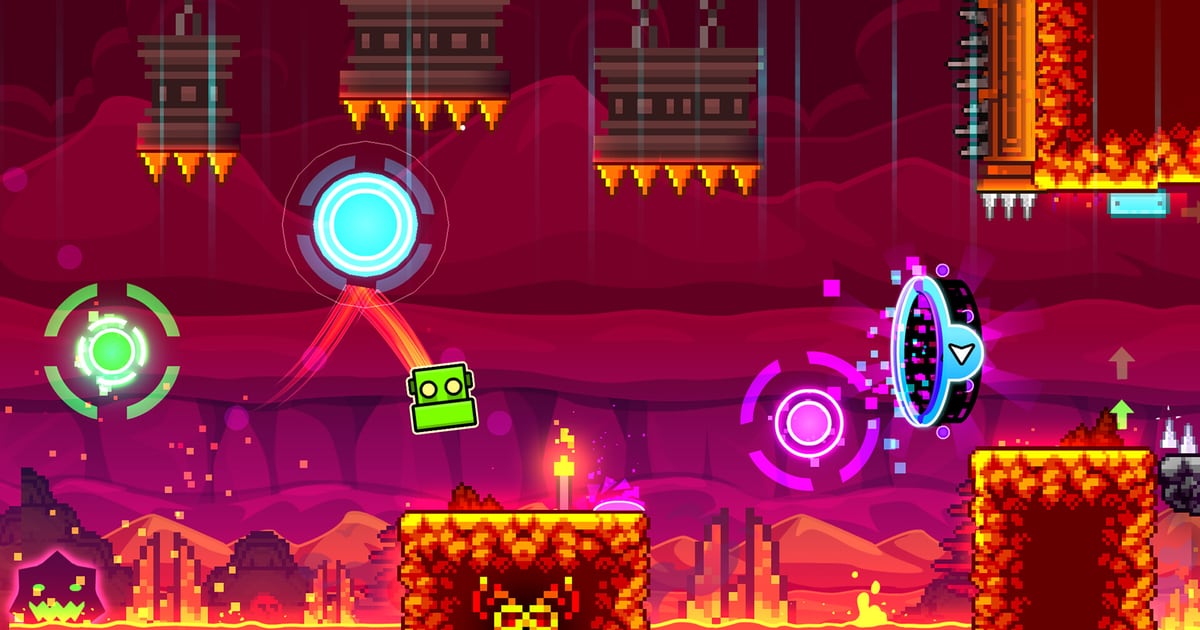
Geometry Dash’s Update 2.208 added no level, no game mode and no collectable. It added two checkboxes, a handful of leaderboard filters and a pair of level-editor tools — and that thin feature list is exactly why the patch mattered more to the game’s competitive layer than to its campaign.
RobTop Games shipped the update to Steam on 19 January 2026 and to Android and iOS on 30 January 2026, according to the Official Geometry Dash Wiki’s update log. That same list records the headline changes as “More precise gameplay options: Click Between / On Steps”, leaderboards for moons, demons and user coins, new gauntlets, a new trace system in the editor, improved networking, and bug fixes. NamuWiki’s running update log, which dates the release to 20 January 2026 on its own calendar, adds a context line the patch notes leave out: this was the first Geometry Dash update in 436 days.
What this covers: Update 2.208’s two precision settings (Click Between Steps and Click On Steps), the new moon, demon and user-coin leaderboards, and the editor trace tools — plus what the 2.2081 hotfix and the 2.209 update changed afterwards. Why it matters: The two settings decide how much input precision the game grants on its own, which is the same problem the Click Between Frames mod solved from the outside. That makes the patch a statement about what counts as a legitimate hard-level clear. Who should care: Players pushing difficult levels, the verifiers and creators who decide whether a completion is rateable, and anyone reading a leaderboard rank that now sorts by more than stars.
What the two precision settings actually do
The Official Geometry Dash Wiki’s Settings page gives both options in the game’s own wording:
- Click Between Steps “toggles substeps on, allowing you to click in between the default normal steps. This may affect performance.”
- Click On Steps “allows you to click on every step, regardless of your refresh rate. This is beneficial for users below 240 Hz.”
The second line is the one that is easy to misread, and it carries the whole point of the patch. Geometry Dash runs its simulation on a fixed step rate, so a player whose display refreshes at 60 Hz or 144 Hz has been feeding inputs into a grid coarser than the simulation itself. That is a tick-rate mismatch in the ordinary sense — the same gap between a game’s internal update rate and the rate at which a player’s hardware can present it that our netcode glossary of tickrate, jitter, packet loss and rollback describes for online games, transplanted to a single-player side-scroller.
Click On Steps closes that gap for everyone under the 240 Hz line. Click Between Steps goes further: it permits an input to land inside a step rather than only on its boundary. One raises the floor; the other raises the ceiling.
The two options, side by side
| Setting | What the game says it does | Who benefits most | Stated cost |
|---|---|---|---|
| Click Between Steps | “Toggles substeps on, allowing you to click in between the default normal steps.” | Players chasing frame-perfect clicks; behaves like the community’s click-between-frames tool | “This may affect performance” |
| Click On Steps | “Allows you to click on every step, regardless of your refresh rate.” | Users “below 240 Hz”, whose hardware otherwise coarsens input timing | None stated; the conservative pick |
Neither option is a toggle for a difficulty level. Both change the resolution of the input signal, not the number of attempts or the level itself, which is why the community argument around them was about fairness rather than convenience.
Why a checkbox became a controversy
Before 2.208, the precision problem already had an answer: Click Between Frames, a Geode mod by syzzi that, in its own description, “allows your inputs to register in between visual frames, which drastically increases input precision on low framerates like 60FPS.”
The mod’s page is blunt that the in-game versions and the mod are not the same tool. “CBS is limited to 480TPS precision, while this mod does not have a hard limit on input precision,” it states, adding that the mod “automatically overrides the vanilla ‘Click On Steps’ and ‘Click Between Steps’ options.” The page also notes that version 1.5.0 of the mod was a “Port to GD 2.2081” — so the third-party option kept up with the patch rather than being retired by it.
The mod author’s own note explains why top players might still prefer it: “I feel like it’s somewhat pointless to make CBS and then only have 480TPS input precision, because that isn’t enough to make it on par with CBF for top play so top players will just use CBF anyway (though I do appreciate CBF verifications being rateable now!).” He also says he wished RobTop had made contact before the update, so he could have helped “avoiding some of the bugs that were present in the original release of CBS (like some issues with buffering inputs, and not checking for inputs on a separate thread).”
What did change is legitimacy, not capability. Vortex Gaming’s walkthrough of the patch says the built-in option “eliminates the need for external tools or hacks to achieve frame-perfect clicks”, and that “levels verified with CBF are now considered legitimate, resolving previous ambiguity regarding their eligibility for featuring and inclusion on the demons list.” A clear that once depended on a mod and sat in an eligibility grey zone now depends on a setting every player has.
Leaderboards beyond stars
The star ranking had been Geometry Dash’s single global scoreboard for years. Update 2.208 split the idea of progress into separate boards. Vortex Gaming’s summary lists new leaderboard categories for moons — the reward tied to platformer levels — plus demons and coins, with trophies in gold, silver, bronze, red and purple handed out by rank, and a global rank that “combines moons and stars.” NamuWiki’s log records the same three new categories: “Moon, Demon, and User coin leaderboards.”
The practical effect is that a player who only grinds platformer content is no longer invisible against a star total built from the main game. The second Vortex piece on the patch also notes that the star leaderboard gained sorting, letting players “compete in moon grinding and demon grinding” as distinct pursuits.
Editor tools: trace in, trace out
The editor side of 2.208 is easier to state and harder to overstate. The Official Geometry Dash Wiki’s feature list compresses it to a single line — a “new trace system in the editor” — while Vortex Gaming expands it into the two directions creators actually use: a trace that “shows what triggers activate a selected object” and a trace that “goes to the block that a selected trigger activates.” That is a debugging aid for the kind of level where a single object is driven by a stack of triggers, which in practice means most large community projects.
The same Vortex summary adds one more player-facing tool from the patch, hitbox-on-death, which shows the player’s hitbox at the moment of a crash. It also lists smaller items: static trace arrows, more glow on objects, and new art for gauntlets not yet released.
The gauntlets, and the hotfix
Gauntlets are the patch’s least surprising addition and its least precise. The Official Geometry Dash Wiki’s 2.208 line simply says “New Gauntlets”. NamuWiki’s log counts six, then qualifies the count in a footnote: the Random Gauntlet and the Chance Gauntlet “were added immediately after the update, and four new gauntlets were added to the resource file.” So the number a player sees in the menu and the number found in the game files are not the same number, and the wiki’s one-word version is the safest reading.
Steam’s own news feed carries the follow-up under the heading Update 2.2081. Its text says the build “includes some tweaks to Click Between / On Steps, performance improvements, and various bugfixes”, and adds a warning that points straight at this article’s subject: “Before reporting any bugs, make sure that you have fully uninstalled any third-party unofficial extensions, as they can cause unexpected behavior.” NamuWiki records the same release as “Adjust Click Between/On Steps, performance improvement, bug fix”. A precision feature that shipped in January and was tuned within days is one that landed in a sensitive place.
What came next for 2.209
RobTop Games announced the next version with a trailer in mid-September 2026 — Steam’s news feed dates the trailer post 15 September, while NamuWiki’s Korean-language log records it on 16 September — and the update itself went live on 15 October 2026 on Steam, Android and iOS, per the Official Geometry Dash Wiki. Its list runs well past precision: platformer saving, custom keybinds, death tracking and death markers, editor sounds and packs, import/export for editor levels, auto-save and auto-backup, a start-position switcher, group ID names, a replay option for daily, weekly and event levels, an in-game notification system, a news tab, and revised options and navigation.
Read together, the two releases tell a consistent story. 2.208 handed the competitive layer the input precision it had been getting from mods and gave its progress a second axis of bragging rights. 2.209 then spent its budget on the surrounding quality-of-life work — the saving, binding and editor plumbing that keeps a ten-year-old game playable for the people who still build in it. If the 2.208 settings matter to you, the 2.2081 notes on third-party extensions are worth reading before the next bug report, and the rollback netcode piece on latency and prediction is the closer analogue for anyone who wants to understand why a few milliseconds of input timing reshapes a whole competitive scene.