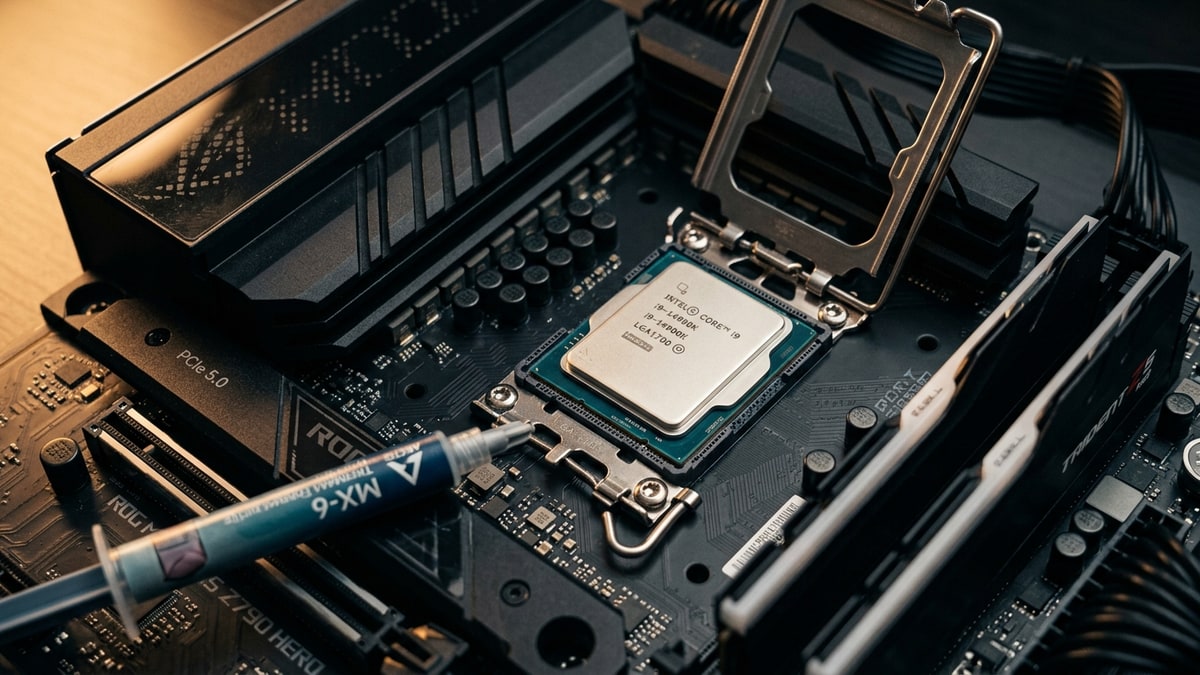
Intel’s Core Ultra 200S (Arrow Lake) desktop processors shipped in October 2024 with strong multithreaded and efficiency numbers but disappointing gaming results. After months of microcode, BIOS, and Windows fixes, Intel introduced a one-click profile called 200S Boost that finally gives Arrow Lake owners a simple, warranty-backed way to recover frame rates. This guide covers what to update, what the 200S Boost profile changes, where the practical DDR5DDR5. A generation of system RAM (memory); newer and faster than DDR4. sweet spot lands, and the BIOS settings worth checking by hand.
What it covers: Windows, BIOS, and 200S Boost steps that recover Arrow Lake gaming frame rates, plus the DDR5 speed worth paying for. Why it matters: The launch deficit was mostly firmware and software, so the fixes are free, but the memory sweet spot avoids the steep premium at the top. Who should pick this: Core Ultra 200S owners tuning a Z890 system and buyers working out how far memory speed is worth pushing.
What to install before tuning anything
Tuning is pointless on an unpatched system. The fixes for Arrow Lake’s launch problems landed across three layers, and you want all three current before measuring anything.
Update Windows 11
First, update Windows 11 to build 26100.2314 or newer. Intel’s own field update traced a large share of the launch deficit to a missing Performance and Power Management (PPM) package that was scheduled for retail availability rather than reviewer availability.
Without it, the OS used generic power-plan behavior, causing scheduling oddities, intermittent DRAM latency spikes, and roughly a 6 to 30 percent loss depending on workload. The PPM package and the related Intel Application Performance Optimizer (APO) scheduling benefit were resolved in Windows 11 build 26100.2161 (KB5044384), with 26100.2314 recommended to be safe.
Install the latest BIOS
Second, install the latest BIOS for your Z890 motherboard. Intel identified that several “VIP settings” (PCIe Resizable BAR, Intel APO, compute tile ring frequency, memory controller ratio or “gear”, and power limits) were inconsistently applied across early and reviewer BIOSes, contributing an estimated 2 to 14 percent and causing memory latency around 1.5 to 2 times expected. Current Z890 BIOSes harmonize those defaults.
You also want a BIOS that carries microcode 0x114 and Intel CSME Firmware Kit 19.0.0.1854v2.2 or newer, which is the marker for the January 2025 optimization wave that added a single-digit improvement.
Keep your games updated
Third, keep your games updated. A separate launch issue was blue screens when launching Easy Anti-Cheat titles, caused by a conflict between Windows 11 24H2 and older Easy Anti-Cheat drivers. Epic pushed an updated driver out through game updates, so simply patching affected games clears it.
Only once those three are current does memory and fabric tuning make sense.
What 200S Boost actually does
200S Boost is an opt-in, one-click BIOS profile for K- and KF-series Arrow Lake chips on Z-series motherboards. It does not raise CPU core clocks or power limits above existing warranty ceilings. Instead it lifts the fabric and memory subsystem speeds and, importantly, extends Intel’s warranty to cover the limited memory and fabric overclocking involved.
The profile raises two interconnects up to 3.2 GHz: the Die-to-Die (D2D) fabric that bridges the Compute and SOC tiles, lifted from its stock 2.1 GHz, and the Next Generation Uncore (NGU/SA Fabric) that links the cores, memory controllers, and other blocks, lifted from its stock speed. It also expands the officially warranty-covered memory speed from the stock DDR5-6400 JEDEC baseline up to DDR5-8000 XMP.
Intel built guardrails around the feature so board partners cannot use it to disguise unrelated overclocking. The profile is opt-in and cannot be enabled by default; any manual change to clocks or voltages disables it and reverts you to manual overclocking; and the overclocking mailbox is locked to prevent OS-based tweaking. Voltage ceilings are hard-capped:
| Voltage rail | Ceiling |
|---|---|
| VccSA | at or below 1.2V |
| VDD2 | at or below 1.4V |
| DIMM VDD and VDDQ | at or below 1.4V |
You also cannot use XMP kits that exceed the DIMM voltage ratings.
In practice, enabling 200S Boost is a single switch in a supported BIOS, after which you leave it alone.
The DDR5 sweet spot
The single biggest lever in Arrow Lake gaming tuning is memory speed, and the data points to a clear, practical sweet spot rather than the headline number.
Independent testing
Independent testing of the feature found that moving from the stock DDR5-6400 configuration to DDR5-8000 with the 200S Boost fabric lift produced an average of about 7.5 percent more gaming performance at 1080p, with per-title gains ranging from roughly 3.7 percent up to 11.6 percent in memory-sensitive games. That confirms the Arrow Lake compute tiles are healthy and that the bottleneck was largely in the interconnects and memory subsystem.
Key fact: Independent testing of the feature found that moving from the stock DDR5-6400 configuration to DDR5-8000 with the 200S Boost fabric lift produced an average of about 7.5 percent more gaming performance at 1080p, with per-title gains ranging from roughly 3.7 percent up to 11.6 percent in memory-sensitive games.
The diminishing return
The catch is the diminishing return at the top. DDR5-8000 kits carry a large price premium, often 43 to 57 percent more than DDR5-7200, yet deliver only about 1.2 percent more performance on average. The fabric portion of 200S Boost (the D2D and NGU lift) is even smaller on its own, measuring sub-1 percent at DDR5-6400 and DDR5-7200 and around 1.4 percent at DDR5-8000. The headline 3.2 GHz fabric number sounds dramatic, but the measurable gaming benefit of the fabric alone is modest; the memory speed is what does the heavy lifting.
The practical recommendation
That makes the practical recommendation simple. DDR5-6400 is the warranty-supported JEDEC baseline that 200S Boost uses as its reference, and it is a safe, stable default. For most builders, DDR5-7200 is the genuine price-to-performance sweet spot: it is widely supported by most chips and boards, it captures almost all of the available gain, and it avoids the steep premium and tighter compatibility of DDR5-8000. Reach for DDR5-8000 only if you want to claim the maximum warranty-covered speed and you have confirmed your specific chip and board train it cleanly.
Gears and latency
A note on gears: Arrow Lake defaults to DDR5-5600 in Gear 2 with standard UDIMMs and DDR5-6400 in Gear 4 with CUDIMM. Gear 4 keeps the same bandwidth as Gear 2 at a given speed but adds latency, so when you push memory speed up, watch latency in tools like AIDA64 rather than bandwidth alone. Memory-sensitive games respond to latency at least as much as to bandwidth.
BIOS settings worth verifying by hand
Even with 200S Boost enabled, a few settings deserve a manual check, because they were the exact items Intel flagged as misconfigured at launch.
- Resizable BAR. Confirm it is enabled. It was one of the VIP settings that silently failed to provide uplift on early BIOSes, and games that benefit from it lose real performance without it.
- Memory controller gear. Make sure the gear ratio matches your memory type and target speed. A mismatched gear is a common source of the latency regression.
- Compute tile ring frequency. The ring should be constant, not scaling down as on older Raptor Lake designs. At least one vendor shipped it scaling, which contributed to erratic results.
- Intel APO. Install APO and leave it on for its supported titles. It is a free scheduling win for the games it covers.
- Power limits. 200S Boost keeps the default Intel power profile in place rather than raising the ceilings. The higher fabric clocks raise gaming power draw noticeably in some titles, so verify your cooling can absorb the extra heat.
What it means for players
After all of the above, Arrow Lake gaming performance lands where Intel says it should, but the competitive picture is unchanged. 200S Boost is a free, low-effort uplift for existing owners, and the DDR5-7200 sweet spot keeps the cost of that uplift reasonable.
It does not close the gap to AMD’s X3D parts for pure gaming, and the prior-gen Raptor Lake Refresh chips remain faster in many titles. What 200S Boost does is make an Arrow Lake build a defensible, no-fuss choice for owners who want the efficiency and platform features of the new architecture without leaving performance on the table.
If you already own a 200S K-series chip on a Z890 board, the move is straightforward: update Windows and BIOS, enable 200S Boost, run a DDR5-7200 XMP kit, and verify Resizable BAR and gear. If you are buying new and gaming is your only priority, weigh the X3D alternatives first. For everyone in between, the tuning path above recovers the frame rates that were missing at launch.
Next read
- For the architecture breakdown that explains why the fixes were needed, see Arrow Lake’s Memory Latency Problem.
- For how the memory gear ratio changes what a kit is worth, see DDR5 Speed vs Latency.